-1.png?w=520&h=124)
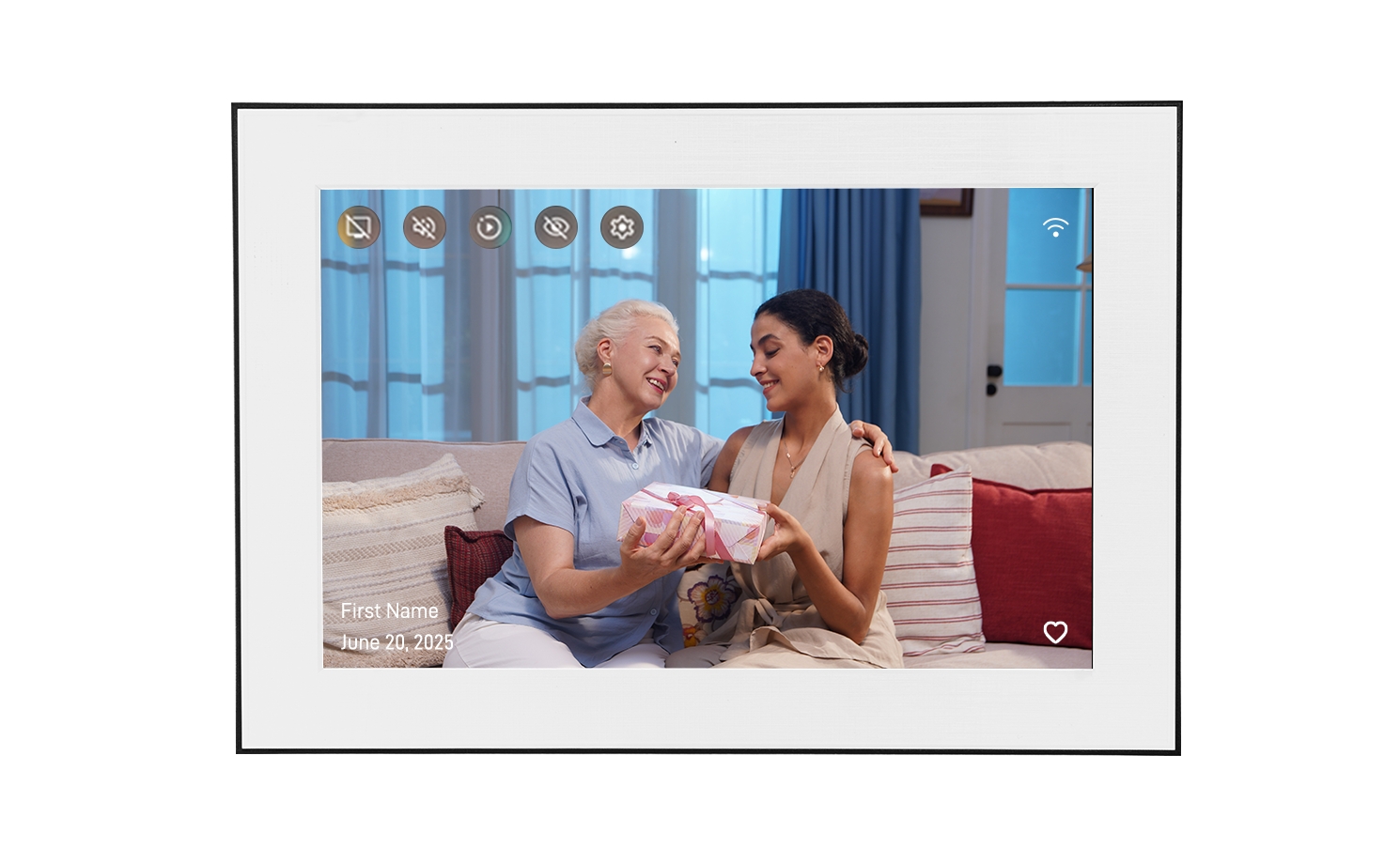
When shopping for a digital photo frame, you'll often see "IPS display" listed as a premium feature. But what does that actually mean, and is it worth paying extra for?
The screen type makes a huge difference in how your photos look — especially when it comes to color accuracy and viewing angles. In this guide, we'll break down the technical differences between IPS and TN displays and help you decide which one is right for your home.
Table of Contents
Quick Answer: IPS vs TN for Photo Frames
For digital photo frames, IPS is almost always the better choice.
Here's why in one sentence: IPS displays show accurate colors from any angle, while TN panels look washed out or color-shifted when viewed from the side — which is exactly how most people look at photo frames on a shelf or table.
The Bottom Line
If you're displaying family photos that you want to look vibrant and true-to-life from anywhere in the room, choose IPS. TN panels are cheaper but compromise on the viewing experience.
What Is an IPS Display?
IPS stands for In-Plane Switching. It's a type of LCD (liquid crystal display) technology where the liquid crystals rotate parallel to the screen surface.
How IPS Works
In an IPS panel, the liquid crystals are aligned horizontally and rotate in the same plane when voltage is applied. This design allows light to pass through more consistently, regardless of the viewing angle.
Key Advantages of IPS
- Wide viewing angles: Colors stay accurate up to 178° horizontally and vertically
- Superior color reproduction: Displays more accurate and vibrant colors
- Better color consistency: No color shift when viewed from different positions
- Higher contrast: Deeper blacks and better overall image depth
Disadvantages of IPS
- Slightly higher cost than TN panels
- Marginally higher power consumption (though negligible for photo frames)
- Slower response time (irrelevant for static photos)
What Is a TN Display?
TN stands for Twisted Nematic. It's an older LCD technology where liquid crystals twist 90 degrees between the top and bottom of the panel.
How TN Works
In a TN panel, the crystals are arranged in a twisted structure. When voltage is applied, they untwist to allow light through. This design is simpler and cheaper to manufacture but has significant limitations for viewing angles.
Key Advantages of TN
- Lower cost: Cheaper to manufacture and purchase
- Fast response time: Great for gaming monitors (but irrelevant for photo frames)
- Lower power consumption: Slightly more energy-efficient
Disadvantages of TN
- Poor viewing angles: Colors shift dramatically when viewed from the side or above/below
- Inferior color accuracy: Can't reproduce colors as accurately as IPS
- Washed-out appearance: Photos often look less vibrant
- Contrast limitations: Blacks appear more gray
Key Differences That Matter for Photos
Let's focus on what actually matters when you're displaying family photos.
1. Viewing Angles: The Biggest Difference
This is where IPS completely dominates. A photo frame sits on a shelf, mantel, or table — which means people view it from different positions throughout the room.
| Display Type | Horizontal Viewing Angle | Vertical Viewing Angle | Real-World Impact |
|---|---|---|---|
| IPS | 178° | 178° | Colors stay accurate from any position |
| TN | 90-160° | 50-70° | Colors shift and wash out from the side or above |
What this means: With a TN panel, if you're standing to the side of the frame, your family photos will look faded or have a strange color tint. With IPS, they look perfect from anywhere.
2. Color Accuracy and Vibrancy
IPS displays can reproduce a wider color gamut and show more accurate colors. This is especially noticeable in:
- Skin tones (which can look unnatural on TN panels)
- Blue skies and green landscapes
- Sunset and golden hour photos
- Photos with rich, saturated colors
3. Contrast and Black Levels
IPS panels produce deeper blacks and better contrast ratios. On a TN panel, dark areas of photos often appear grayish rather than true black, reducing the overall depth and impact of the image.
4. Response Time (Doesn't Matter for Photo Frames)
TN panels have faster response times (1-5ms vs 4-8ms for IPS), which matters for gaming monitors but is completely irrelevant for photo frames displaying static images or slow transitions.
Side-by-Side Comparison
IPS Display ✓
Best For:
- Digital photo frames
- Displaying family photos
- Living rooms and shared spaces
- Frames viewed from multiple angles
Strengths:
- 178° viewing angles
- Accurate, vibrant colors
- No color shift
- Better contrast
Weaknesses:
- Slightly higher cost
- Marginally more power
TN Display
Best For:
- Budget gaming monitors
- Office work (direct viewing)
- Applications where cost is priority
Strengths:
- Lower cost
- Fast response time
- Slightly lower power use
Weaknesses:
- Poor viewing angles
- Color shift from sides
- Washed-out colors
- Inferior contrast
Which Display Type Should You Choose?
Choose IPS If:
- ✓ You want your photos to look their best
- ✓ The frame will be viewed from different angles
- ✓ Color accuracy matters to you
- ✓ You're displaying the frame in a shared space (living room, kitchen)
- ✓ You're willing to pay a bit more for better quality
Choose TN If:
- ✓ Budget is your absolute top priority
- ✓ The frame will only be viewed straight-on
- ✓ You're okay with compromised color quality
Why Homture Uses IPS Technology
The Homture AI Photo Frame uses a 10.1-inch IPS display with 1080P resolution (1920 × 1200 pixels).
We chose IPS specifically because:
- Family photos deserve accurate colors. Whether it's a baby's first smile or a sunset vacation photo, IPS ensures the colors look exactly as they should.
- Frames are viewed from all angles. When your frame sits on a kitchen counter or living room shelf, family members walk past it from different directions. IPS ensures everyone sees the same beautiful image.
- AI Magic videos look better on IPS. Our AI feature converts photos into short videos with subtle motion. The smooth color transitions and depth effects are much more impressive on an IPS panel.
- Old photo colorization needs accurate color. When our AI adds color to black-and-white photos, IPS displays those restored colors more faithfully.
Homture Display Specs
Screen: 10.1" IPS LCD
Resolution: 1920 × 1200 (1080P)
Viewing Angle: 178° (H) / 178° (V)
Orientation: Landscape or Portrait
Frequently Asked Questions
Is IPS worth the extra cost for a photo frame?
Yes. The price difference is usually $10-30, but the improvement in viewing angles and color accuracy is significant. Since a photo frame is something you'll look at every day for years, it's worth investing in better display quality.
Can you see the difference between IPS and TN with the naked eye?
Absolutely. The difference is immediately obvious when you view the frame from an angle. TN panels show noticeable color shift and washing out, while IPS maintains consistent colors.
Do all digital photo frames use IPS displays?
No. Budget frames often use TN panels to cut costs. Always check the product specifications — if it doesn't explicitly say "IPS," it's likely TN.
Does IPS use more electricity than TN?
IPS uses slightly more power, but the difference is negligible for photo frames — typically less than 1-2 watts. Over a year, this translates to less than $1 in electricity costs.
Are there other display types besides IPS and TN?
Yes — VA (Vertical Alignment) and OLED are other options, but they're rare in photo frames. VA offers a middle ground between IPS and TN. OLED has perfect blacks and infinite contrast but is expensive and prone to burn-in with static images.
Will an IPS display prevent screen burn-in?
IPS displays are LCD technology, which doesn't suffer from burn-in the way OLED does. You can safely display the same photo for extended periods without permanent image retention.
Does resolution matter more than display type?
Both matter. A high-resolution TN panel will show sharp images but with poor viewing angles and color. A lower-resolution IPS will have better colors and angles but less detail. Ideally, you want both — like Homture's 1080P IPS display.
Experience the IPS Difference
See your family photos the way they were meant to be seen — with vibrant colors and perfect viewing angles.
Shop Homture AI Frame →